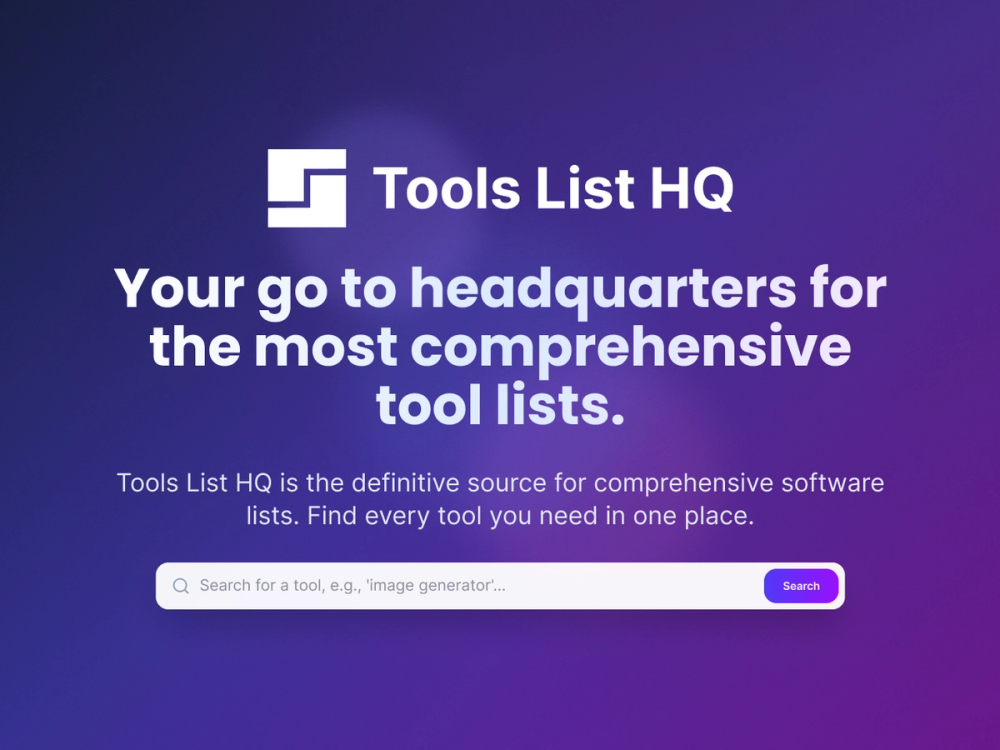
Tools List HQ Review
Introduction
Tools List HQ is a software directory built to help people compare tools by category, workflow, and pricing. Based on the public site, it focuses on productivity, marketing, design, developer, and business software, giving visitors a centralized place to browse listings and build a shortlist.
The platform appears aimed at users who want more structure than a basic search result page. Its positioning is less about deep product testing and more about making software discovery easier through organized categories, pricing labels, and listing summaries.
Key Features
- Broad category navigation that spans areas such as AI assistants, APIs, analytics, automation, design tools, developer tools, SEO, and web development.
- A latest tools section that surfaces newly added listings with short descriptions and category labels.
- Pricing visibility on listings through labels such as Free, Freemium, Free Trial, and Paid.
- A submission flow that lets makers submit their own tool for review before inclusion.
- Directory copy that frames the site as a central comparison point for project management, CRM, email marketing, analytics, development, collaboration, and business operations.
- FAQ guidance that explains what the site covers, how comparison works, and who the directory is for.
Use Cases
One clear use case for Tools List HQ is early-stage software research. If a team is entering a new category and needs a fast overview of available options, the site gives them a starting point with category-based browsing and short listing summaries. That is useful for narrowing a long list into a smaller set worth reviewing in more detail.
It also fits periodic software review workflows. The site explicitly positions itself as a reference point for people doing quarterly tool evaluations or building a purchasing shortlist. Because listings display category context and, in many cases, pricing status, visitors can scan for tools that match a workflow before moving on to vendor-specific research.
A third use case is product discovery for founders and independent makers. Tools List HQ includes a visible "Submit a Tool" path and states that submissions are reviewed before publication. That makes it relevant not only for buyers comparing products, but also for teams that want an additional discovery surface for their own software.
Pricing
The public site states that browsing the directory, viewing listings, and comparing tools is free. At the same time, individual products in the directory carry their own pricing models, with examples across free, freemium, free trial, and paid labels. There does not appear to be a public pricing page for using Tools List HQ itself beyond the statement that directory access is free.
User Experience and Support
From the visible page structure, Tools List HQ is designed around fast scanning rather than heavy editorial depth. The navigation highlights latest tools, category browsing, search, login, sign up, and submission, which suggests the main user journey is browse, filter mentally by category and price, then click through to individual products.
Support details are limited on the public-facing content captured here. The site does provide a FAQ section that answers practical questions about coverage, comparison, submissions, and update frequency. Beyond that, specific support channels, onboarding help, or documentation for end users are not clearly exposed in the source material provided.
Technical Details
The visible technical picture is fairly light. Tools List HQ clearly organizes software records across many categories and exposes pricing-oriented listing metadata, but the public evidence here does not confirm its underlying stack, database model, or any public API.
There are references to categories such as Chrome Extensions and a standard web app interface with search, account access, and submission pages, but no verified implementation details are available from the captured source. As a result, any deeper technical claims would be speculative and should be avoided.
Pros and Cons
Pros
- Covers a wide range of software categories, which makes it useful as a broad discovery hub.
- Makes comparison easier by surfacing pricing labels directly in listings.
- Supports both discovery and submission, which gives it value for buyers and product makers.
- Uses a clear directory structure that is easy to scan quickly.
Cons
- Public listing summaries appear brief, so serious buyers will still need to do follow-up research on vendor sites.
- Detailed technical information about listed tools is not consistently visible in the captured material.
- Support options and documentation for directory users are not clearly described on the evidence provided.
- The depth of comparison seems strongest at the categorization level rather than through side-by-side product analysis.
Conclusion
Tools List HQ presents itself as a practical software discovery directory rather than a deep review platform. Its value comes from organized categories, visible pricing signals, and a straightforward submission path that helps users browse tools and makers list them.
For teams that need a clean starting point for software comparison, it looks useful. For final buying decisions, it works best as an initial research layer before moving into deeper product evaluation on the tool providers' own sites.